Context: A laptop performance and storage may decrease as too many users have signed in.
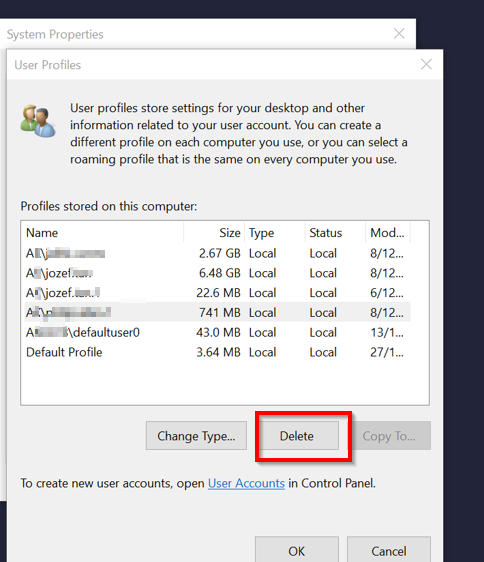
Resolution: Delete user profiles and their local files from the machine.
Notes:
- You must have Windows admin permissions to perform this action.
- This process will delete all files saved to the user folders, ensure there's nothing important before deleting their profiles.
- The users must be signed out before you can delete them (You can sign them out using the task manager).
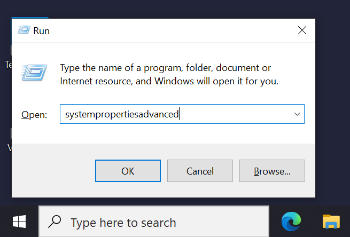
1. Run systempropertiesadvanced
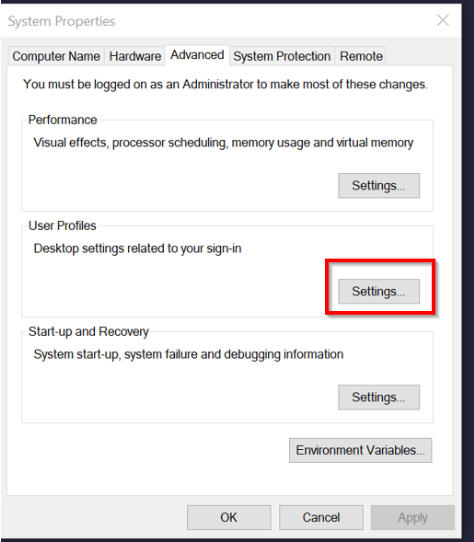
2. Select User Profiles > Settings
3. Select the profiles you wish to remove and click Delete